- Ubuntu
root@XSHQS02:~#wget https://repo.zabbix.com/zabbix/7.0/ubuntu/pool/main/z/zabbix-release/zabbix-release_7.0-2%2Bubuntu26.04_all.deb

root@XSHQS02:~# dpkg -i zabbix-release_7.0-2+ubuntu26.04_all.deb

root@XSHQS02:~# apt-get update
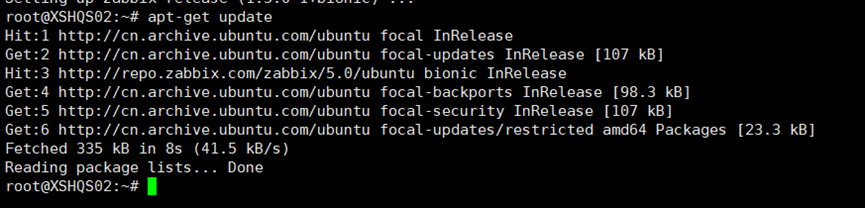
root@XSHQS02:~# apt-get install zabbix-agent

Revise the Zabbix server conf file as below
root@node01:~#
vi /etc/zabbix/zabbix_agentd.conf
1.Server:填写你的 Zabbix Server 的 IP 地址(用于被动模式)。
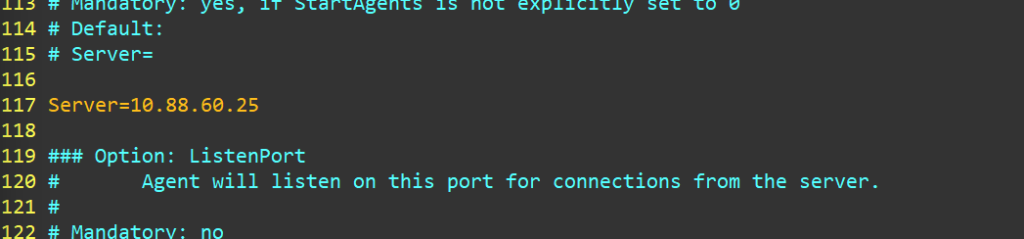
# line 117: specify Zabbix server
Server=10.88.60.25 #替换为你的 Zabbix Server IP
# line 173: specify Zabbix server
2.ServerActive:同样填写 Zabbix Server 的 IP 地址(用于主动模式),入第3点下面的截图
ServerActive=10.88.60.25 #替换为你的 Zabbix Server IP
# line 171: change to the own hostname
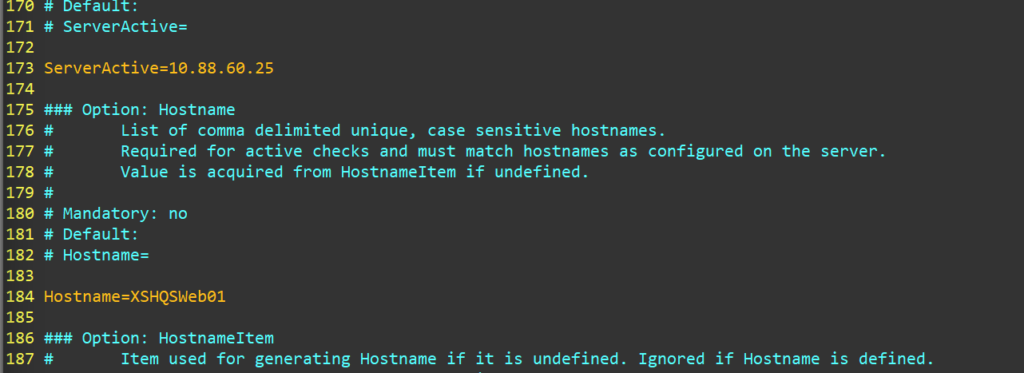
3.Hostname:设置当前客户端的主机名。注意:此处设置的名字必须与稍后在 Zabbix Web 界面中添加的主机名完全一致。
- Hostname= XSHQSWeb01 #替换为你的 Zabbix Server hostname
root@node01:~# systemctl restart zabbix-agent
root@node01:~#
systemctl enable zabbix-agent
- Red Hat Enterprise Linux 8.0
[root@localhost ~]# rpm -Uvh https://repo.zabbix.com/zabbix/6.5/centos/9/x86_64/zabbix-agent-7.0.0-alpha3.release1.el9.x86_64.rpm

[root@XSHQSFW01 ~]# vim /etc/zabbix/zabbix_agentd.conf
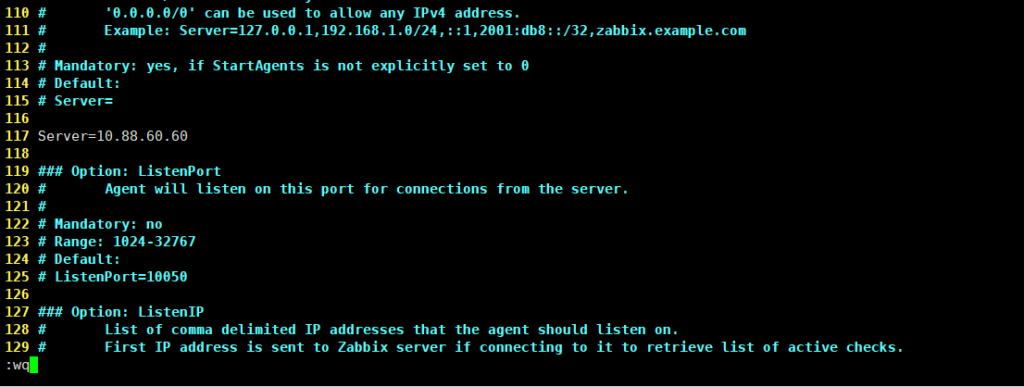
- CentOS 9.0
[root@XSHQSFile01 ~]# rpm -Uvh https://repo.zabbix.com/zabbix/6.5/centos/9/x86_64/zabbix-agent-7.0.0-alpha3.release1.el9.x86_64.rpm

[root@XSHQSFile01 ~]# vim /etc/zabbix/zabbix_agentd.conf
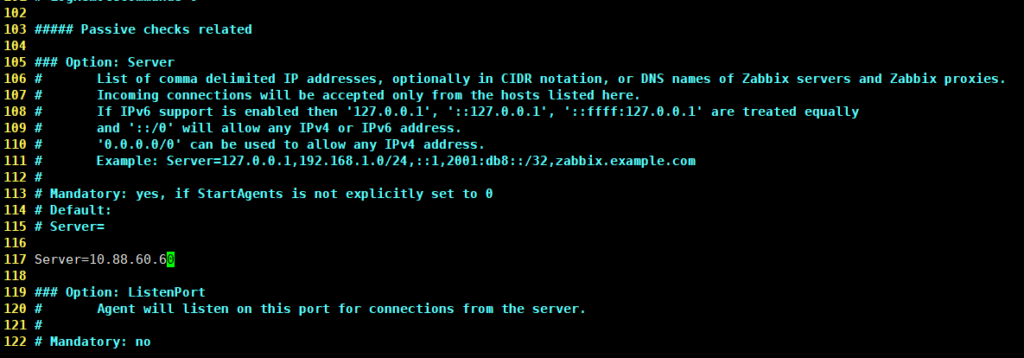
The other step is the same as Ubuntu
- Windows
Old version
Agent on Windows systems
Zabbix agent on Windows runs as a Windows service.
Preparation
Zabbix agent is distributed as a zip archive. After you download the archive you need to unpack it. Choose any folder to store Zabbix agent and the configuration file, e. g.
C:\zabbix
Copy bin\zabbix_agentd.exe and conf\zabbix_agentd.conf files to c:\zabbix.
Edit the c:\zabbix\zabbix_agentd.conf file to your needs, making sure to specify a correct “Hostname” parameter.
Installation
After this is done use the following command to install Zabbix agent as Windows service:
C:\> c:\zabbix\zabbix_agentd.exe -c c:\zabbix\zabbix_agentd.conf -i
Download the Windows agent from url https://www.zabbix.com/download_agents
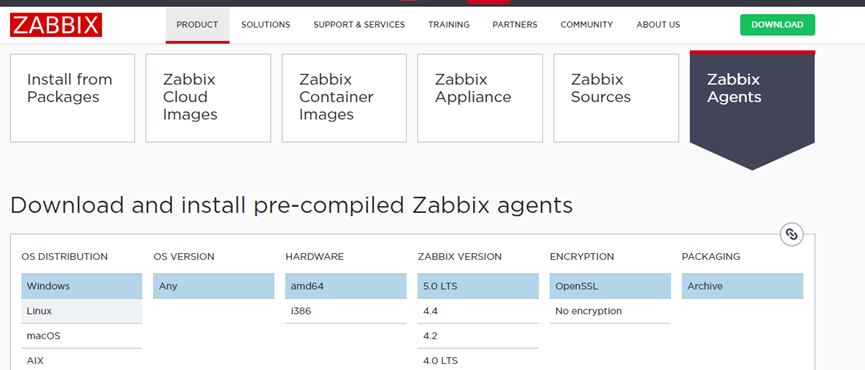

Copy it to Windows C drive.
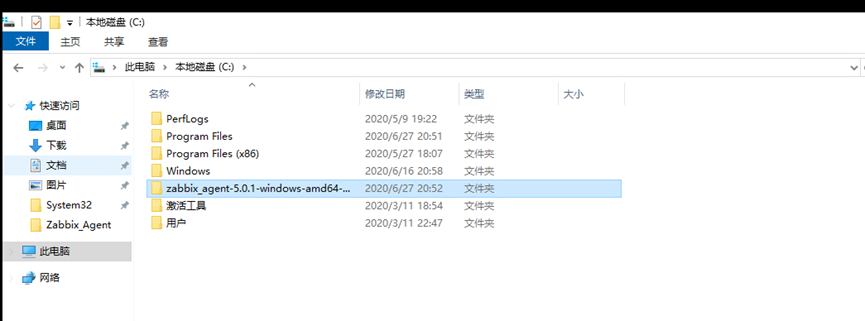
After download, extract the ZIP file, then [bin] and [conf] folder exist like follows. Copy [zabbix_agentd.conf] which is under the [conf] and also copy 3 [exe] files which are under the [bin] folder into a folder which you’d like to locate them.
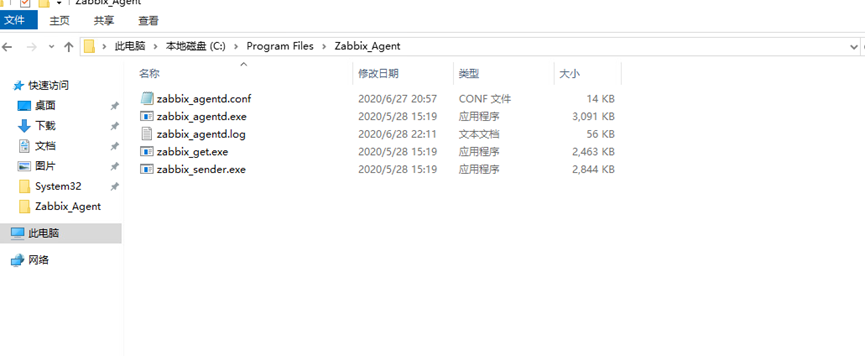
Update the Zabbix_agent.conf file as below:


Start the Zabbix agent service manually:

Latest version
- Download the Windows agent by clicking https://cdn.zabbix.com/zabbix/binaries/stable/6.4/6.4.6/zabbix_agent-6.4.6-windows-amd64-openssl.msi
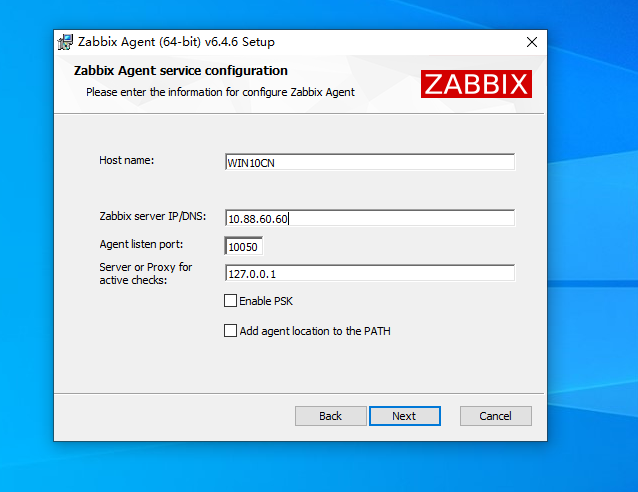
- Install on Windows OS, config the zabbix server IP address by installing.