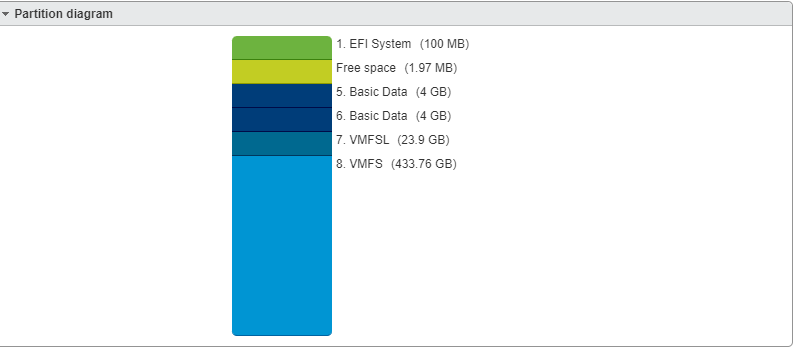
1.If need to reduce the VMFSL partition size for VMware ESXI, Need to add the option “systemMediaSize=min” by pressing “Shift+O” when installing the ESXI.
This is not working for ESXI 9.0, the VMFSL size is default.
Related VMware document:
https://knowledge.broadcom.com/external/article?legacyId=81166
https://williamlam.com/2020/05/changing-the-default-size-of-the-esx-osdata-volume-in-esxi-7-0.html
Related Video: https://www.youtube.com/watch?v=qUgOwMheJcE
Before Revised:
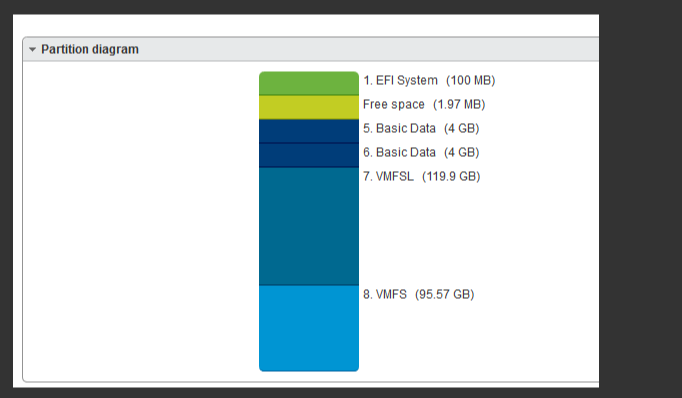
After Revised: